Skip to content
Contact Us

Find Your Best HubSpot Next Step

Not sure whether you need HubSpot implementation, portal optimisation, CRM cleanup, reporting support or AI readiness?

Use this assessment to identify where you are now and which HubSpot pathway makes the most sense for your business. Lupo helps Australian teams choose the right next step based on your current systems, HubSpot status, data quality, reporting needs, workflows, automation goals and AI readiness.

A practical pathway assessment for businesses planning, improving or scaling HubSpot.

Why take the HubSpot assessment?

Many businesses know they need to do something with HubSpot, but they are not always sure where to start.

Some need a first-time implementation. Some need to fix an existing portal. Some need cleaner data and reporting before scaling. Others want to explore HubSpot AI but do not know whether their portal is ready.

The assessment helps you narrow the next step before investing time in the wrong project.

1

Avoid choosing the wrong HubSpot project

A business that needs CRM cleanup should not start with AI. A business that has not implemented HubSpot should not begin with optimisation. The right pathway depends on your current stage.
2

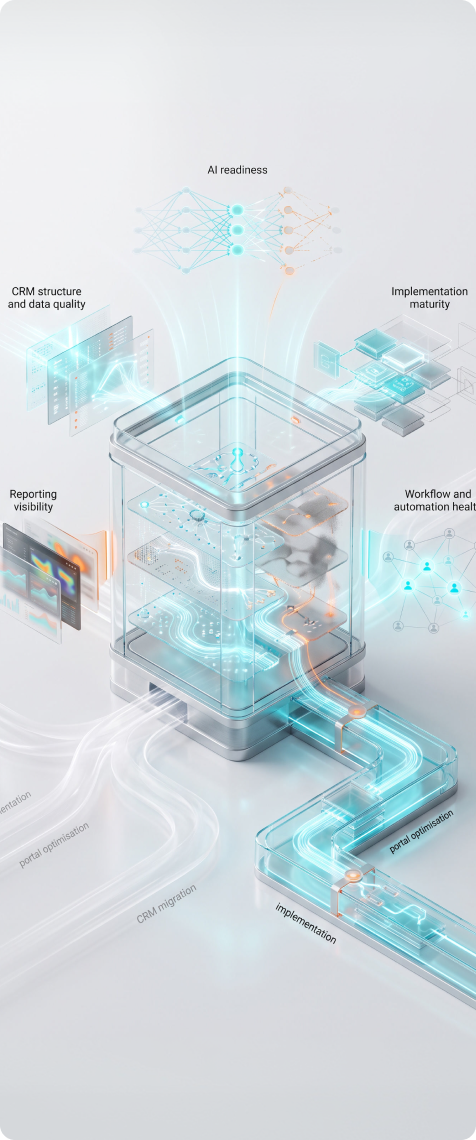
Understand your current HubSpot maturity

The assessment helps identify whether your business is still planning, already operating inside HubSpot, or preparing for AI and automation.

3

Connect your challenge to the right next step

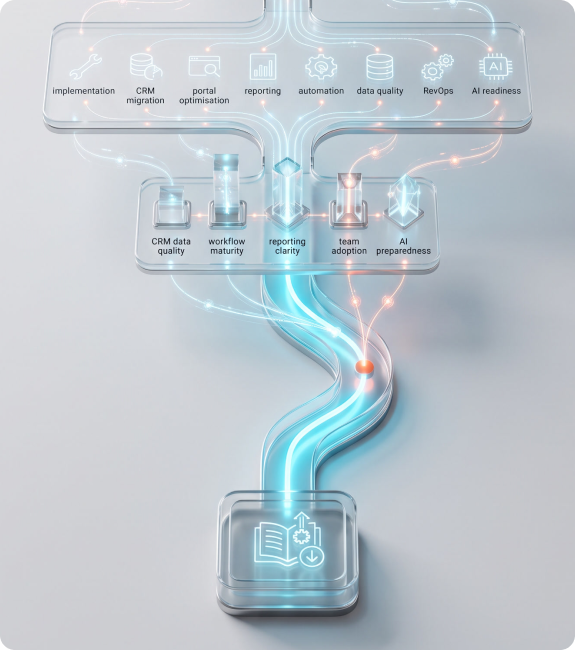
Your main challenge may be implementation, migration, reporting, workflows, adoption, data quality, RevOps or AI readiness.

4

Receive a more useful recommendation

The more clearly you identify your stage and challenge, the easier it is to recommend the right Lupo pathway, service or resource.

HubSpot assessment right long image

Who is this for

Choose your HubSpot pathway

The HubSpot microsite is built around three main pathways. The assessment helps route users into the pathway that best matches their current situation.

Pathway 01

New to HubSpot

Explore the New to HubSpot page or download the HubSpot Readiness Guide.

Best for: Businesses evaluating HubSpot, preparing to implement it or planning a CRM migration.

Pathway 03

AI and Automation

Explore the HubSpot AI & Automation page or download the AI Readiness Checklist.

Best for: Businesses ready to explore HubSpot AI, Breeze AI, AI agents, workflow automation, AI reporting or support automation.

Assessment Process

How the HubSpot assessment works

The assessment asks a few practical questions about your current HubSpot stage, systems, data, reporting, workflows and AI goals. Based on your answers, the user should receive a recommended pathway and next step.

Assessment Process Left image
  1. Tell us your current HubSpot status

    Identify whether you are new to HubSpot, already using HubSpot, exploring AI and automation, or not sure yet.

  2. Select your main challenge

    Choose the issue you most need help solving, such as implementation, CRM migration, portal optimisation, reporting, automation, data quality, RevOps or AI readiness.

  3. Answer readiness questions

    Share how confident you are with your CRM data, workflows, reporting, team adoption and AI readiness.

  4. Receive a recommended pathway

    The result should guide you toward the most relevant page, resource or strategy session.

  5. Take the next step

    Download the recommended guide, explore the relevant pathway page or book a HubSpot Strategy Session with Lupo.

Recommended assessment form

The form should help route the user into the right pathway and give Lupo enough context to qualify the lead.
Keep it practical and easy to complete.

Downloadable resources for each pathway

If you are not ready to book a strategy session, start with the guide that matches your assessment result.

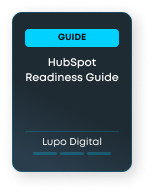
HubSpot Readiness Guide cover image 1

HubSpot Readiness Guide

Understand whether your business is ready for HubSpot, which pathway fits best and what should be prepared before implementation or optimisation.

Best for: Users who are unsure where to start

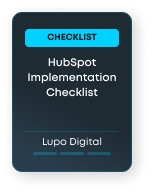
hubspot implementation cover image 2

HubSpot Implementation Checklist

Plan your CRM structure, lifecycle stages, data migration, reporting, workflows and team adoption before your HubSpot implementation begins.

Best for: Users recommended for the New to HubSpot pathway

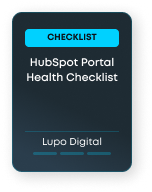
HubSpot health checklist Cover image

HubSpot Portal Health Checklist

Check whether messy data, broken workflows, poor reporting or low adoption are holding your HubSpot portal back.

Best for: Users recommended for the Optimise Existing Portal pathway

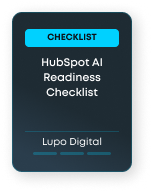
HubSpot AI Readiness Checklist Cover image 1

HubSpot AI Readiness Checklist

Assess whether your CRM data, workflows, content, permissions, reporting and team processes are ready for HubSpot AI.

Best for: Users recommended for the AI and Automation pathway

How Lupo uses your assessment

The assessment is designed to help route you to the right next step.
If you book a strategy session after completing the assessment, your answers help Lupo understand your current situation before the call.

  1. Recommend the right pathway

    Your answers help identify whether you are best suited to implementation, optimisation, AI readiness or a strategy conversation.

  2. Personalise follow-up resources

    Your selected stage and challenge can guide which resources, emails and next steps you receive.

  3. Prepare for a better strategy session

    If you book a session, your answers help Lupo focus the conversation on the right HubSpot issues.

  4. Avoid generic recommendations

    The goal is to recommend the most relevant next step based on your current business context, not send everyone to the same service page.

HubSpot Assessment FAQs

The HubSpot assessment is a short pathway tool designed to help businesses identify whether their next step is HubSpot implementation, portal optimisation, CRM cleanup, reporting support, AI readiness or automation.

Ready to find your HubSpot pathway?

Start with the assessment to understand whether your next step is implementation, portal optimisation, AI readiness, reporting, RevOps or automation.